Your memories, on a globe.
Allora Terra is a phone app that pins your photos to the places they were taken. Spin the Earth, find a place, and the memories from there are waiting. Private by default, with cards and GIFs to share when you choose.
Native iOS and Android apps. Android is in internal testing.

Drag to spin. Click a light to fly there.
How Terra works
A memory is a few photos tied to one place and one day: a trip, a dinner, a concert, a street you walk every week. Terra keeps them where they happened.
-
1Add memories from your library
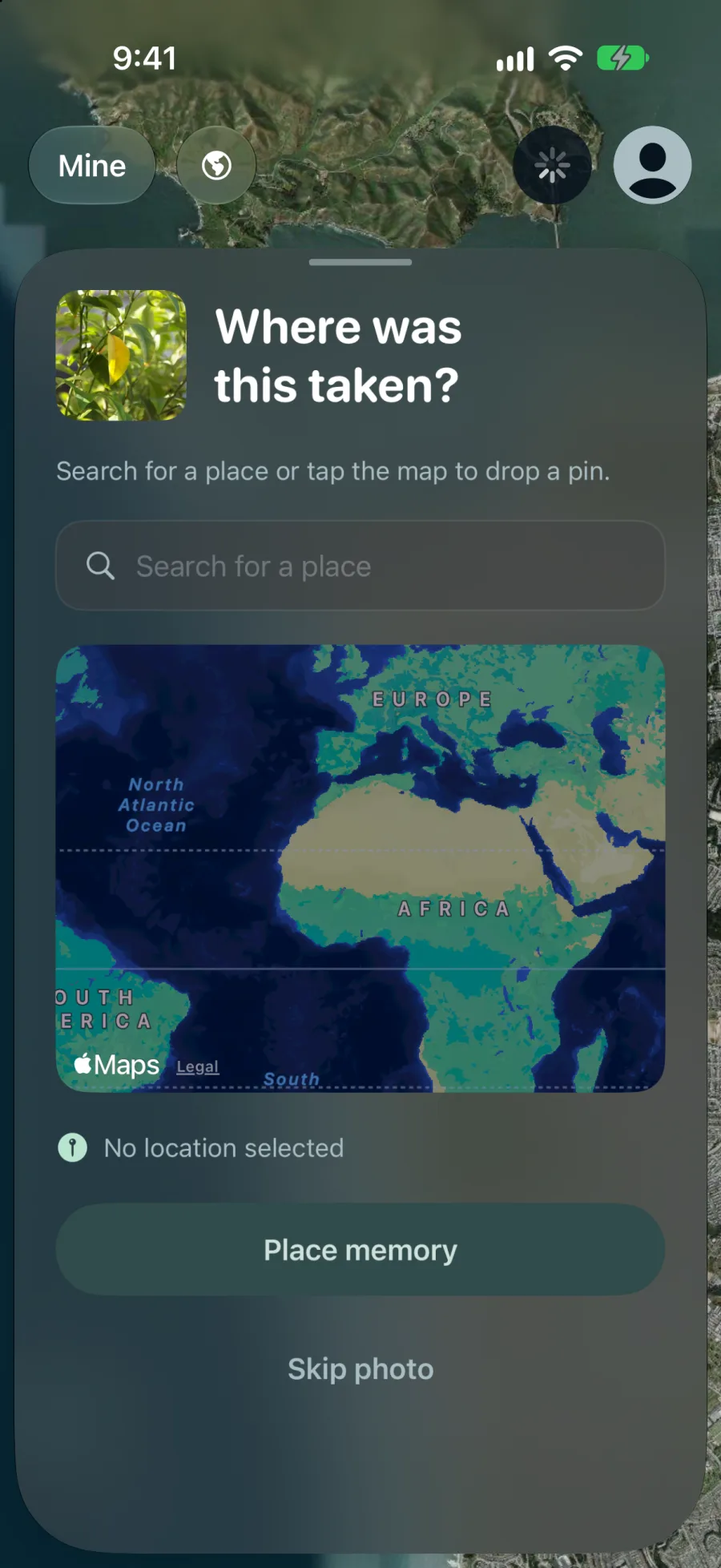
Automatic import adds dated, located photos and videos on its own and skips the rest. Choose media yourself, and place any photo that has no location.
-
2See them on your globe
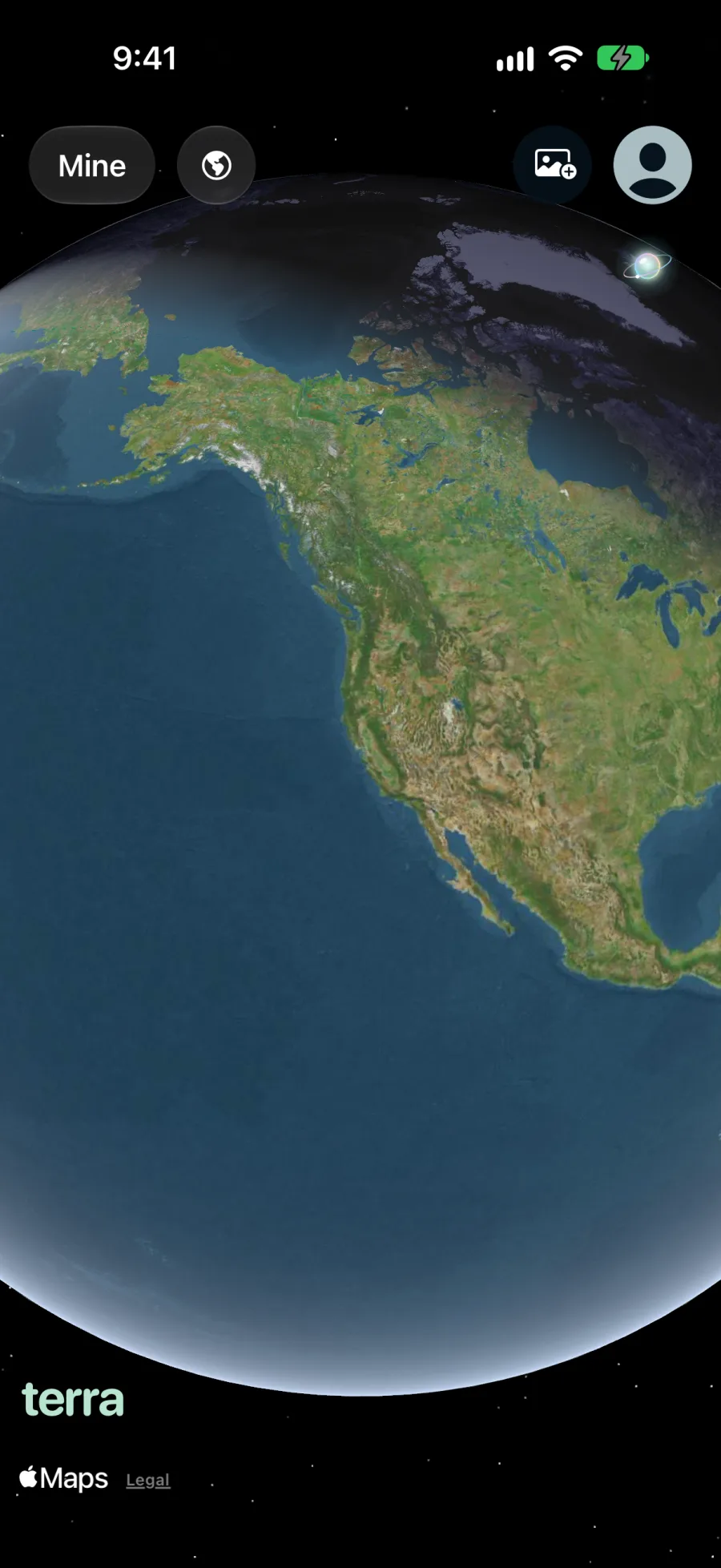
Each place gets a marker. The Lens style colors each year differently, and nearby memories group into one ring as you zoom out.
-
3Open a place to see its photos
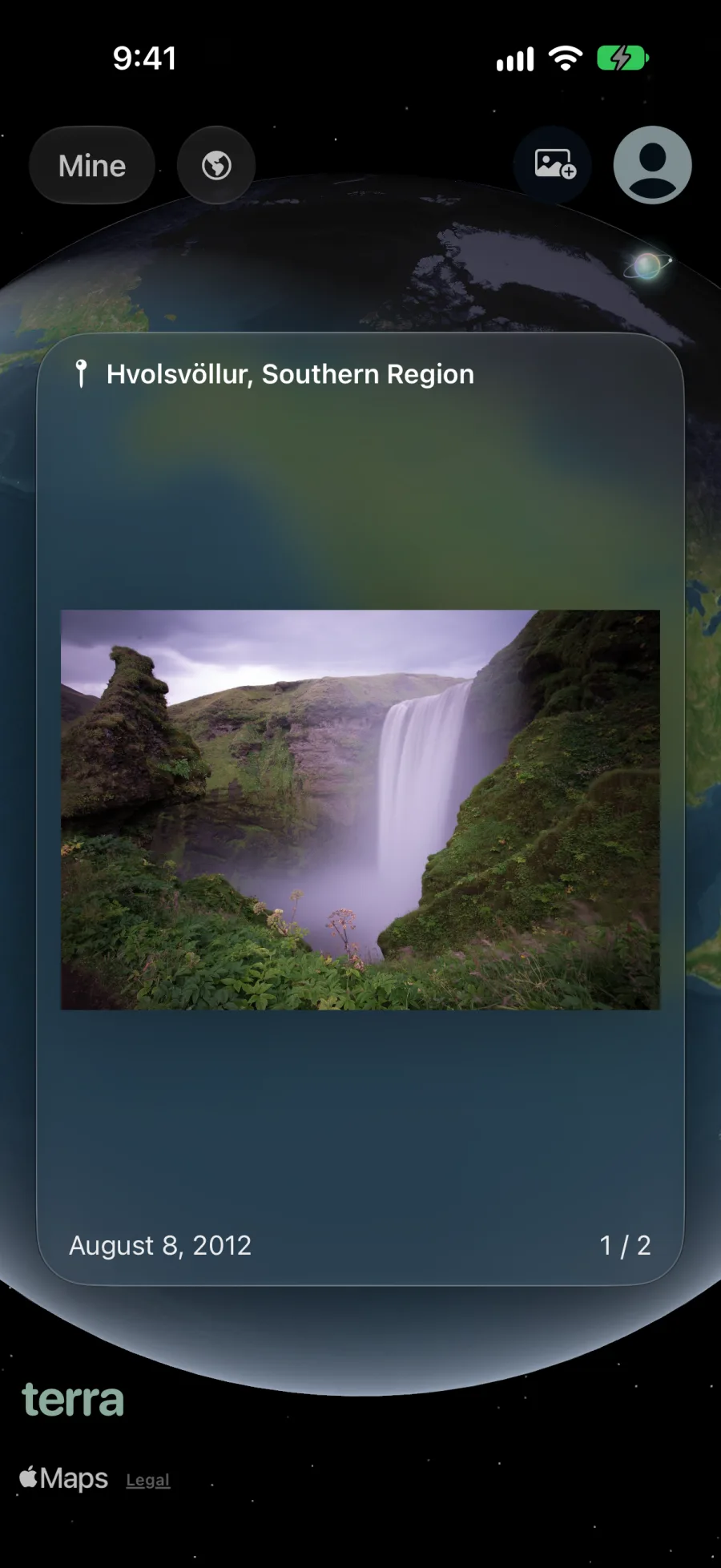
Tap a ring to open its memories, with the place name, the date, and each photo. Edit the title, caption, date, and tags.
Mine needs a signed-in account. Your memories are saved on this device.
One globe, year by year
Your memories on a single Earth. Switch between the 3D globe and a flat map, then explore by year.
- Colored by yearOn the Lens marker style, each year has its own color. The photo calendar in Settings uses the same colors.
- Rings on zoomMemories that share a place group into one ring. Zoom out to bring more of them together.
- Explore by yearA scrubber on the globe shows every memory through the year you pick, counting from the earliest.
- Flat map or globeSwitch between the 3D globe and a flat map with one tap.
- Filter the globeNarrow the globe by search, a date range, tags, and collections.
- PlacesThe Places list shows each place with its memory count and the years it spans.
Add from your library
Terra reads the photos you allow. Automatic import works in the background, and you can choose media yourself at any time.
- Automatic importDated, located photos and videos are added on their own. Library items are kept as references, so Terra stores no copy of them.
- No location, no saveAutomatic import skips photos without a date or a location. When you choose one yourself, search for its place or tap the map before it is saved.
- Import logSettings shows what each automatic import run found, added, and skipped.
- Bursts and Live PhotosBurst shots that Photos groups together, and Live Photos taken within 5 seconds of each other, join one memory in order. Other photos stay separate.
Every place keeps its photos
Open a marker to see that place’s memories, with the date each was taken. Swipe through the photos, and the globe waits behind.
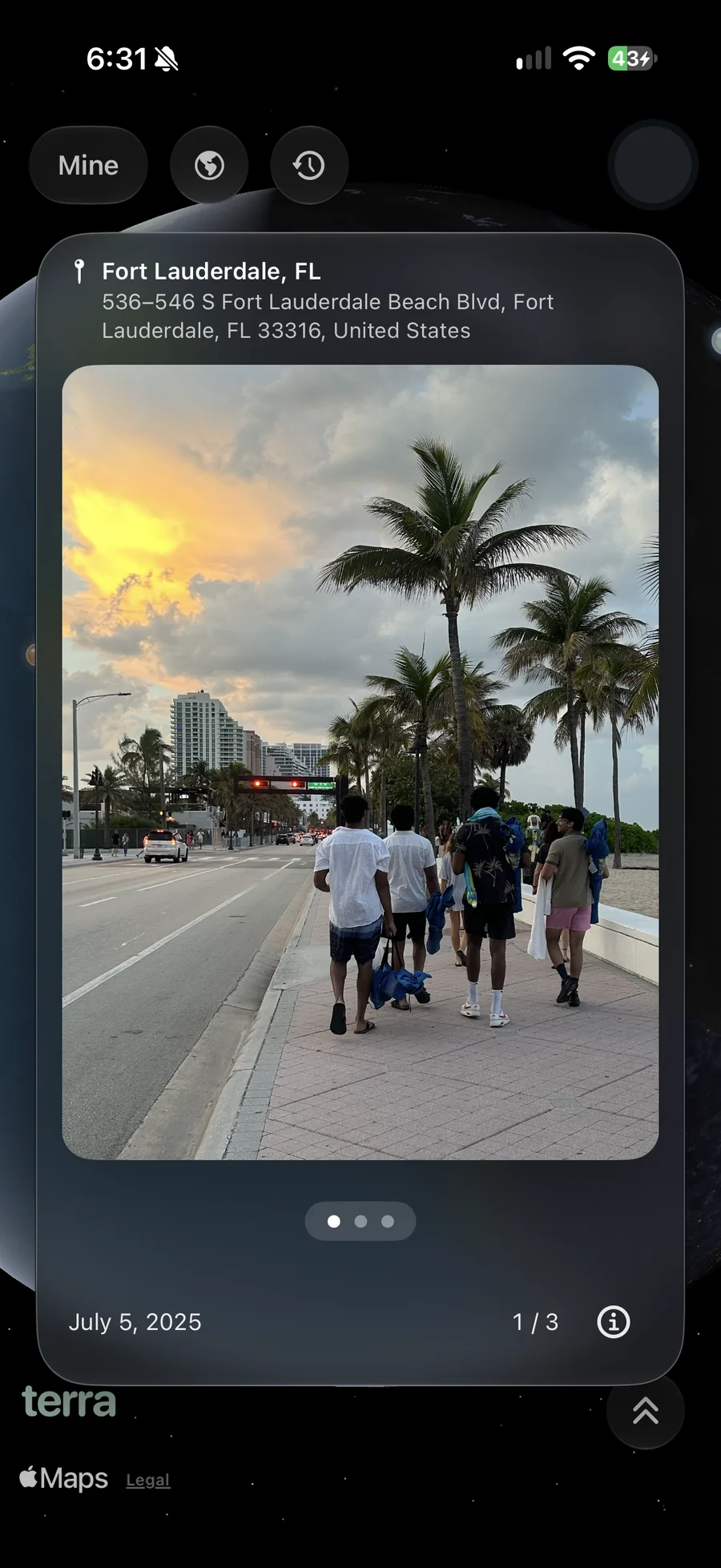
One place, one dayThe place name, address, and date sit above the photo. 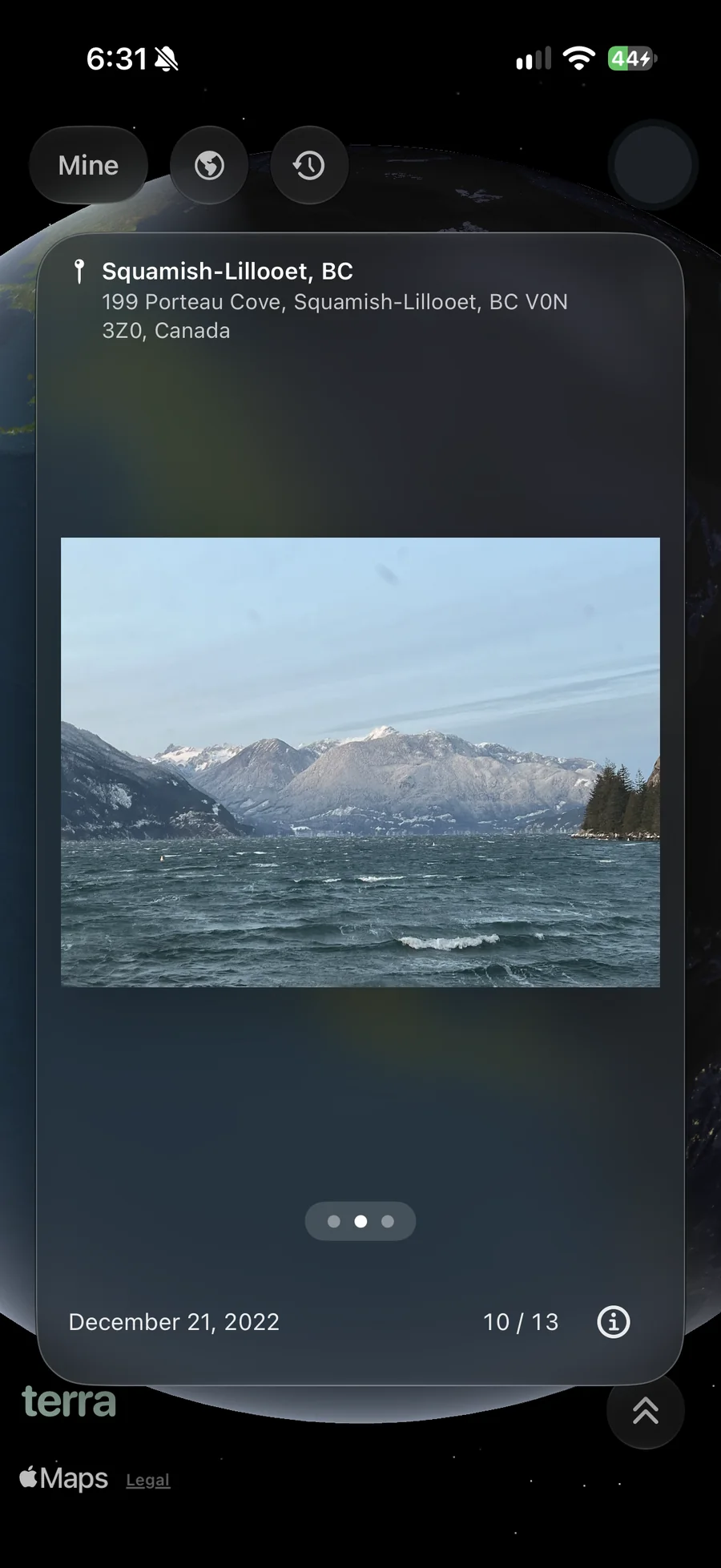
Counts that keep upEach photo shows where it sits in the memory, such as 10 of 13. 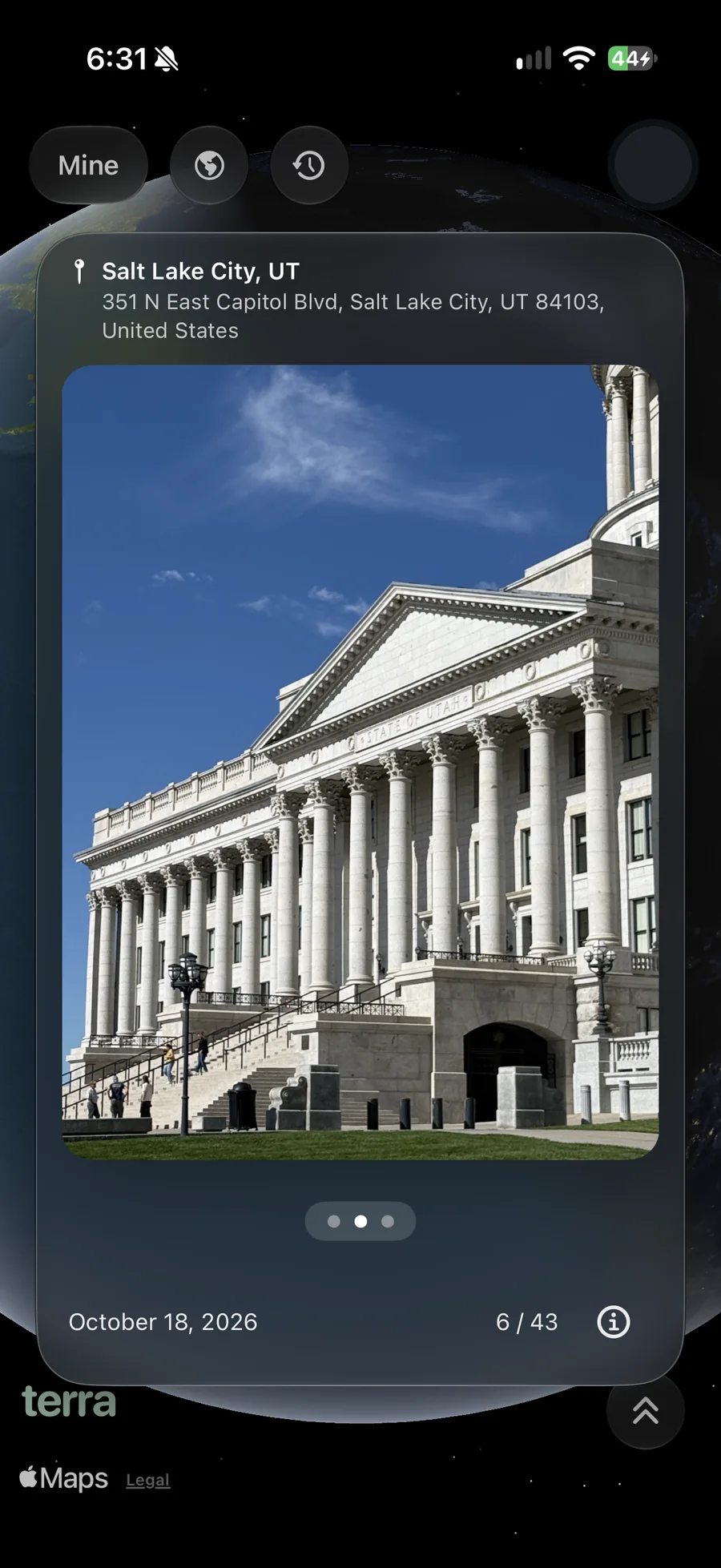
Big rings, still quickA ring can hold dozens of photos. Swipe through all of them. 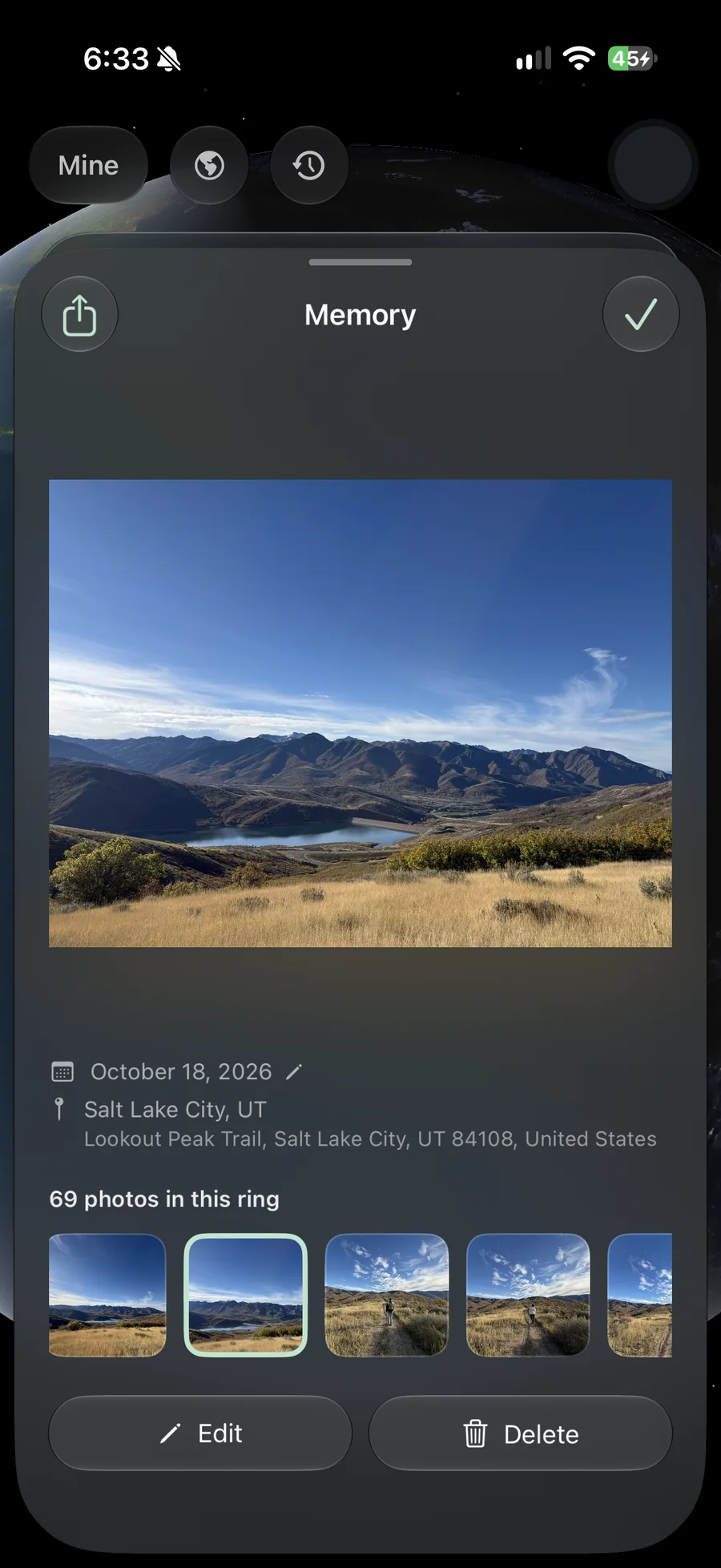
Edit or deleteChange the date, move photos, or delete the memory after Terra asks.
- Photos by place and dayA marker opens the memory: the place name, the date, and every photo in it.
- Split and moveMove a photo out of a memory to make it its own, or move photos into another memory.
- Edit the detailsChange the title, caption, date, and tags from the memory editor.
Your year, one block a day
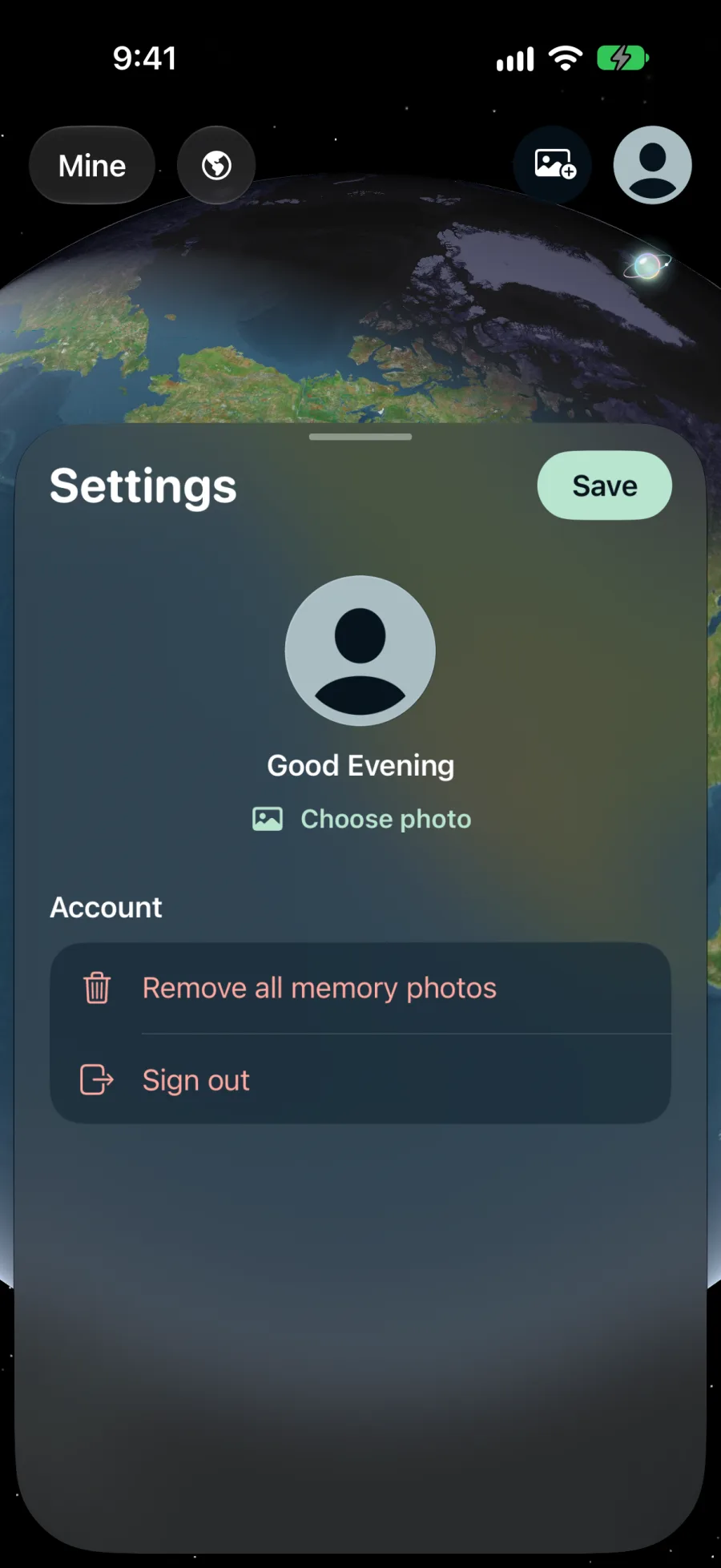
See your own photo calendar in Terra. Open Settings to find out how many photos you took each day across the years in your library. Brighter blocks mean more photos. Pick a day below to see its photo count and location.
Simulated demo.
Share a memory as a card or a GIF
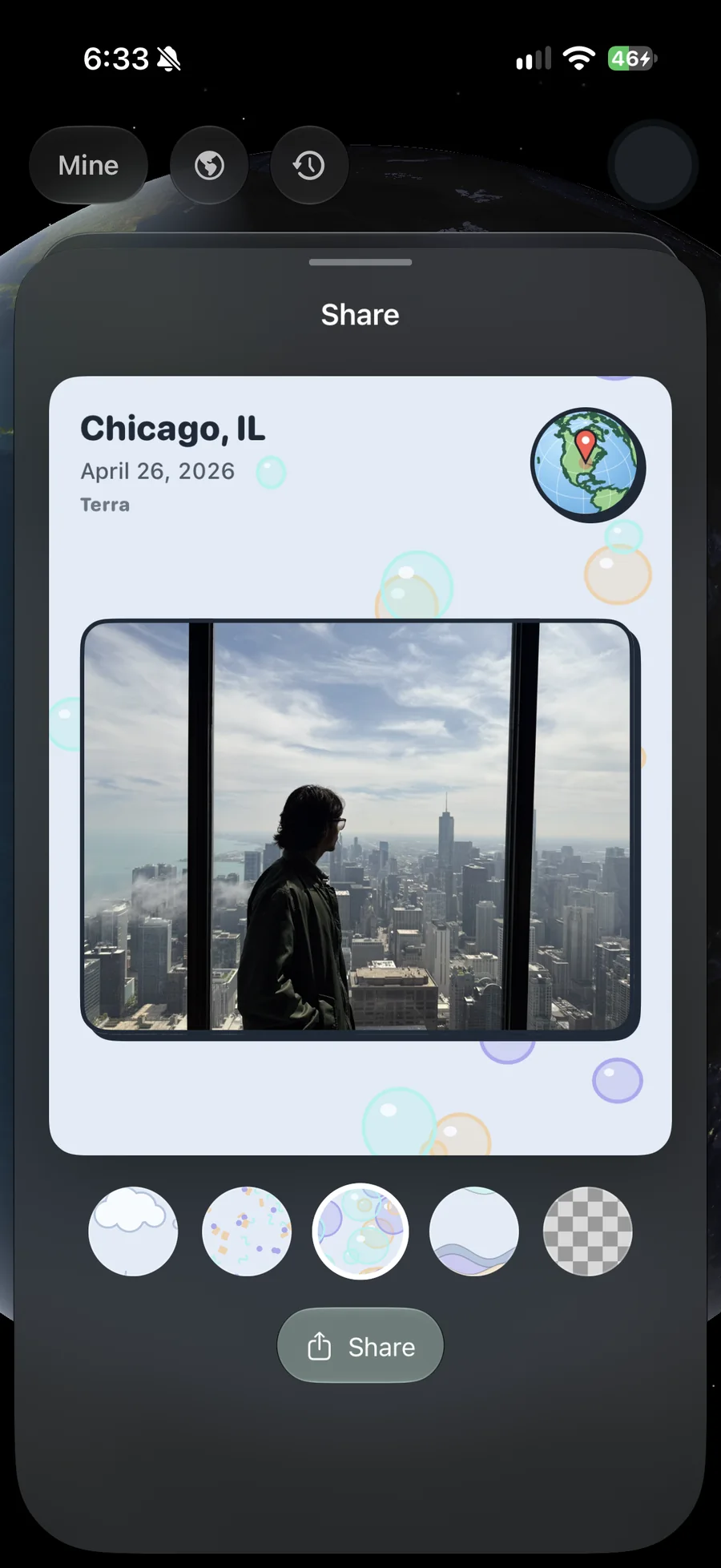
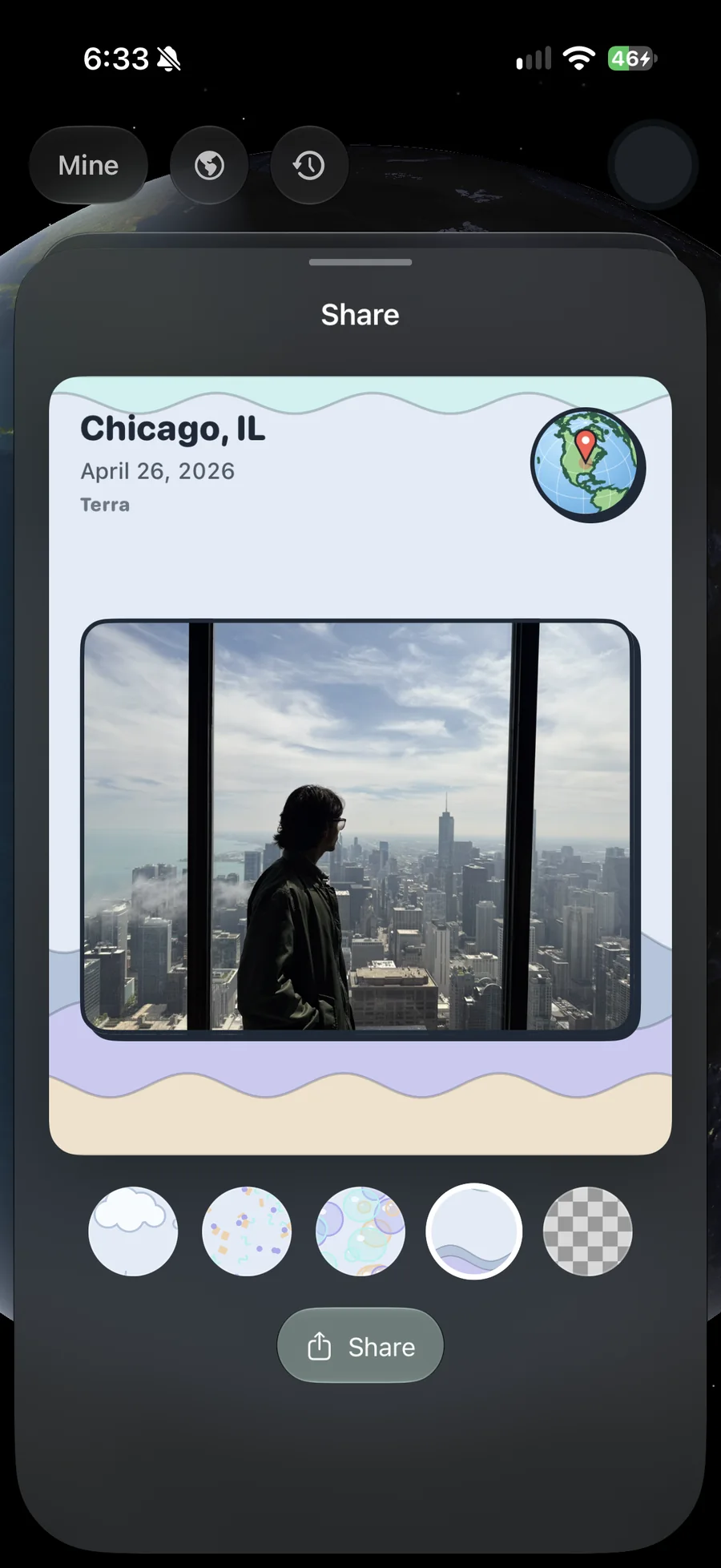
A memory becomes a card with its date, place, and a small globe. A photo can also go out as an animated GIF.
- Memory cardThe card shows the photo, its title, date, and place, with the globe turned to where it was taken. Pick a theme for the card.
- Animated GIFA photo shares as a looping GIF. With Reduce Motion on, it shares as a still image.
- Whole ringsA ring shares its photos, up to 50 at a time. A larger ring shows why it can’t be sent yet.
- The iOS share sheetShares go through the system share sheet, so you choose where they go.
Private on your phone
Your memories are saved on the device you added them on. Mine needs a signed-in account to open.
- Saved on this deviceCompressed copies and their details stay on this iPhone. Library photos stay in Photos.
- Sign in your waySign in with email, Apple, or Google.
- Remove all memory photosSettings removes every memory photo from this device after you confirm. Your photo library is not changed.
- Delete one memoryDelete a memory from its details. Terra asks first.